Reading a long article online means fighting the page that hosts it — newsletter modals, sticky navs, recommendation grids. Reader modes clean the clutter but still hand you one enormous vertical document. You scroll, lose your line, re-find it, scroll again.
Focus Reader takes the article out of the page and re-renders it in its own full-screen tab as a deck of single-thought slides. Step through with a click or a key — or press P and it plays itself like a teleprompter at your chosen words-per-minute. No ads, no servers, zero network requests.
How it works
Toolbar click
      ↓
content.js walks article / main
  keeps h1–h3, p, li, figures, embeds
  drops nav, footers, comments, widgets
      ↓
Structured items → chrome.storage
      ↓
Sandboxed chrome-extension:// tab
  chunks text on sentence boundaries
      ↓
Slide deck — one thought per slide
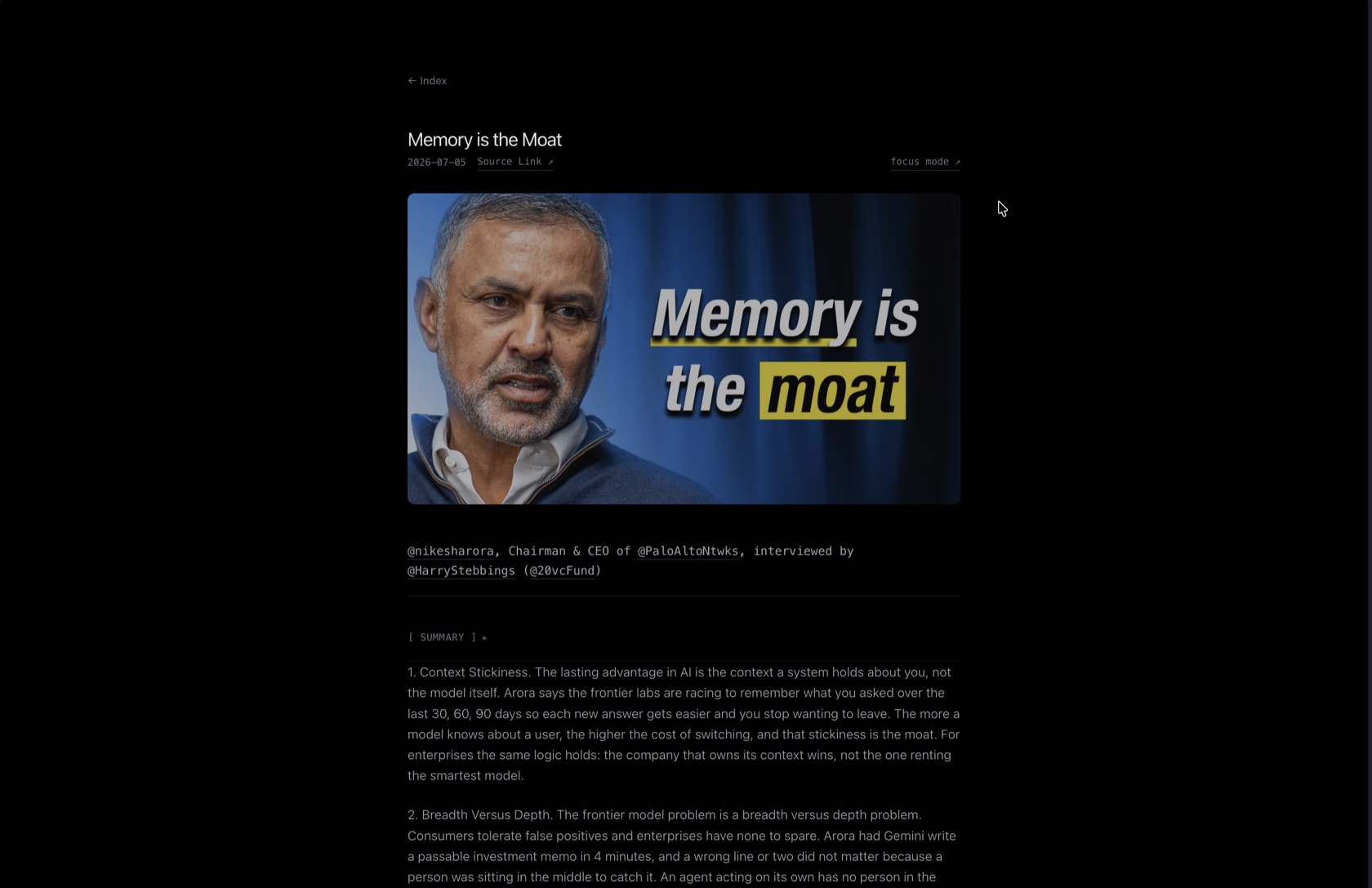
Most reader tools inject an overlay into the host page, which leaves them exposed to the site's global styles, iframe blockers, and tracking code. Focus Reader moves the reading into its own chrome-extension:// tab instead. The extractor targets the semantic container, pulls content in document order, and a seen-text set catches the duplicate nodes CMS templates love to emit.
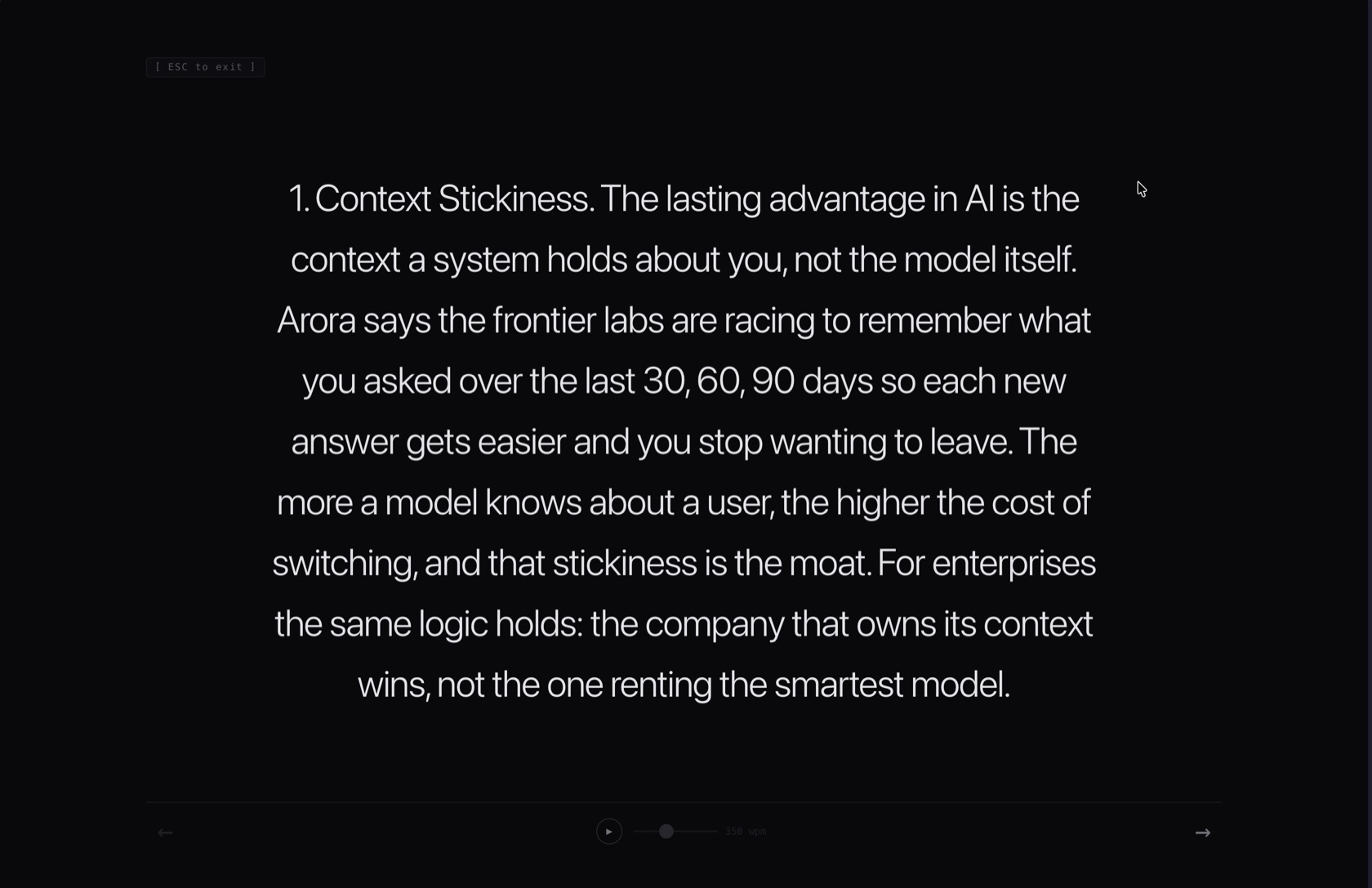
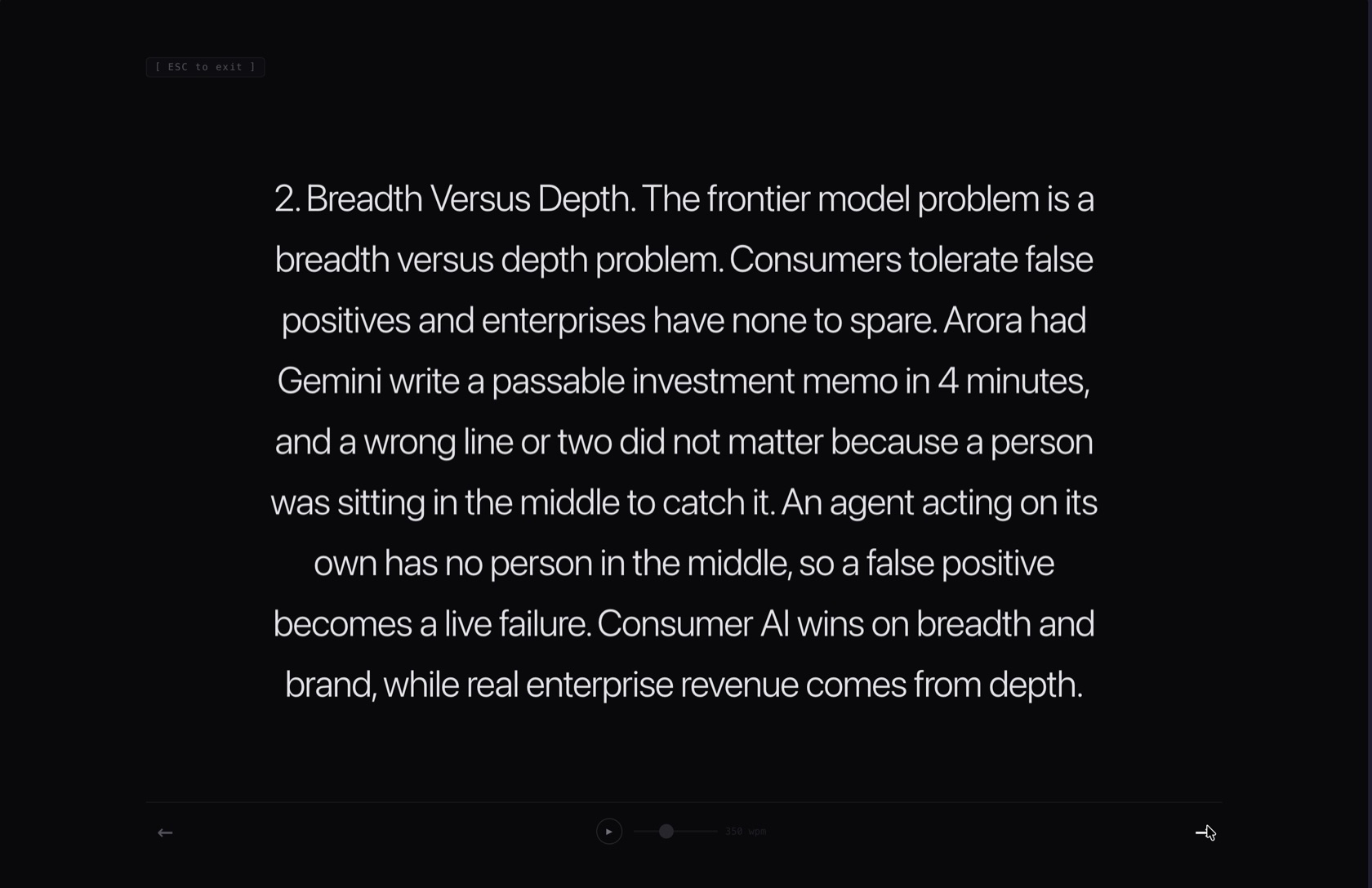
Text is chunked into ~200-character slides on sentence boundaries and each lands dead-center on pure black. Type scale adapts to the slide — short punchy fragments render extra large, dense passages step down. Tweets, blockquotes, and images are never shredded into fragments; each renders as a single full-screen slide.
The controls
- Click right / → / Space — next thought
- Click left / ← — previous thought
- P— autoplay on / off; 150–700 wpm via a slider in the control bar
- Drag — select text without navigating; a 6px threshold tells selection apart from a click
- Esc / F — close the room
The live teleprompter
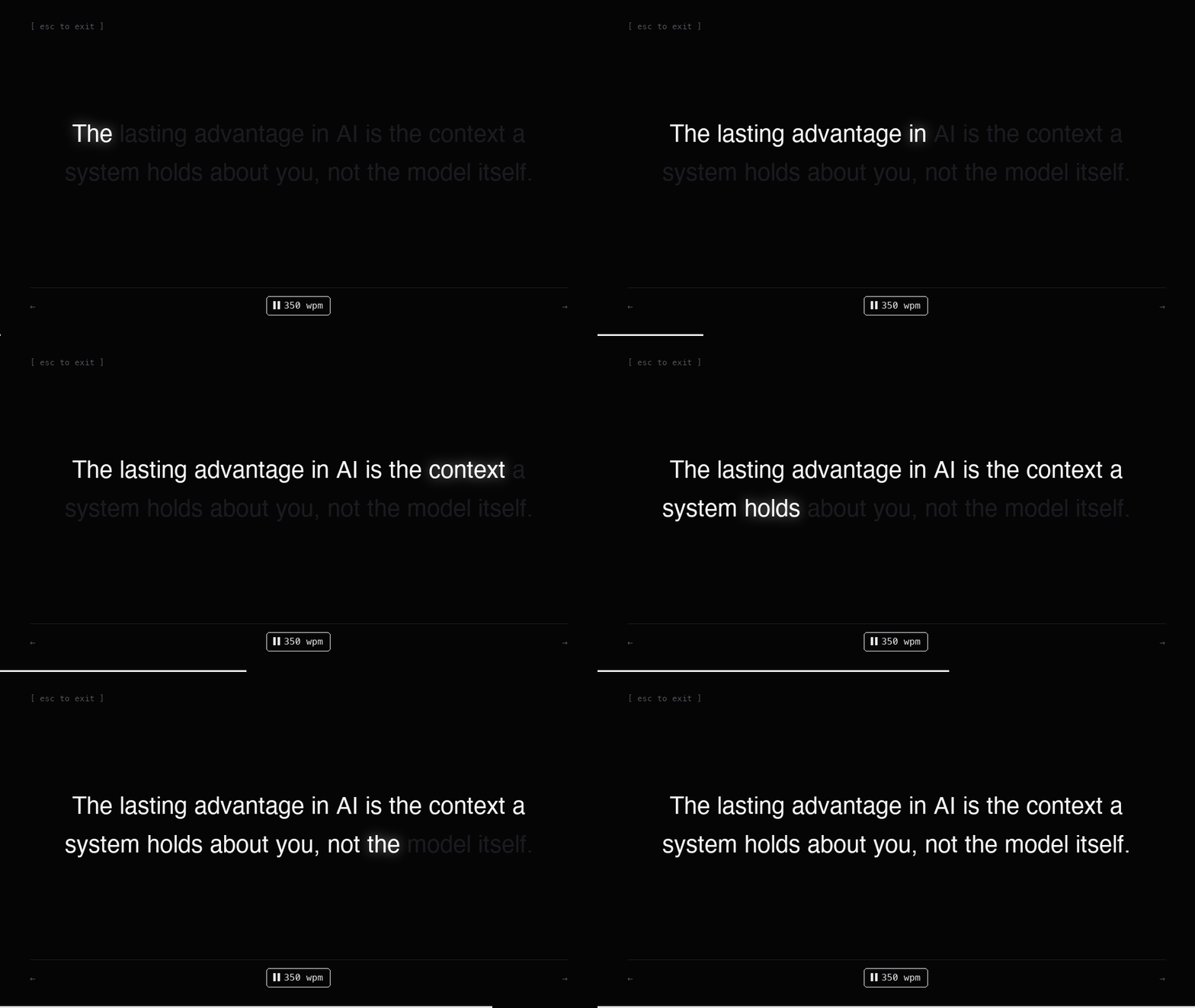
Autoplay computes each slide's duration from its word count and your wpm setting, fills a thin timer bar along the bottom, and turns the deck for you. But a bar alone doesn't tell you wherein the text you should be — so the reader sweeps the text itself: unread words dim to near-black, the current word lights up white with a soft glow, read words stay lit. The sweep is synchronized to finish exactly when the slide advances.
In the wild
Things that were annoying to figure out
Sentence-aware chunking
Slides split on sentence boundaries with a regex that keeps punctuation, then pack to ~200 characters. Edge case: list numbering like “1.” parses as a full sentence and would become its own slide — the chunker detects bare-number “sentences” and glues them to the sentence that follows.
activeTab permission expiring mid-flight
In Manifest V3 the temporary access granted by activeTab can lapse across async boundaries. Focus Reader declares host_permissions and a statically registered content script instead, with the background worker messaging it — and warning gracefully if the tab predates the install.
Detached-DOM text extraction
Extracting innerText from cloned nodes in a detached fragment returns empty strings in Blink. The extractor reads the live DOM first and only recurses through child nodes for blocks containing embeds — skipping nested composites so a tweet quoted in a paragraph isn’t rendered twice.
Keeping the sweep honest
The word sweep’s interval is duration ÷ word count, so the highlight and the slide timer always land together — including on short slides where duration is clamped to a 1.2s minimum so a three-word slide doesn’t blink past.
Why certain things were built the way they are
New tab over injected overlay
An overlay inherits the host page's global styles, iframe blockers, and popup scripts. A chrome-extension:// tab is a fully sandboxed reading environment the site can't reach into.
Length-based type scaling
A fixed giant size looks great for single statements and terrible for paragraphs. The reader steps the scale down as slide length grows so text never wraps awkwardly.
No framework, no build step
Five files of vanilla JS. The extension loads unpacked straight from the repo, and a fix is always a small diff.
Install
- 1. Clone or download the repo
- 2. Open chrome://extensions, switch on Developer mode, click Load unpacked, and select the folder
- 3. Open any article, click the toolbar icon, press P, and watch the words light up