[ focus reader ]
a chrome extension

The web,
one thought at a time.

scroll ↓  ·  or press P and it reads itself

Any article, stripped to its sentences. The ads, popups, sidebars and trackers don’t make it through the door.

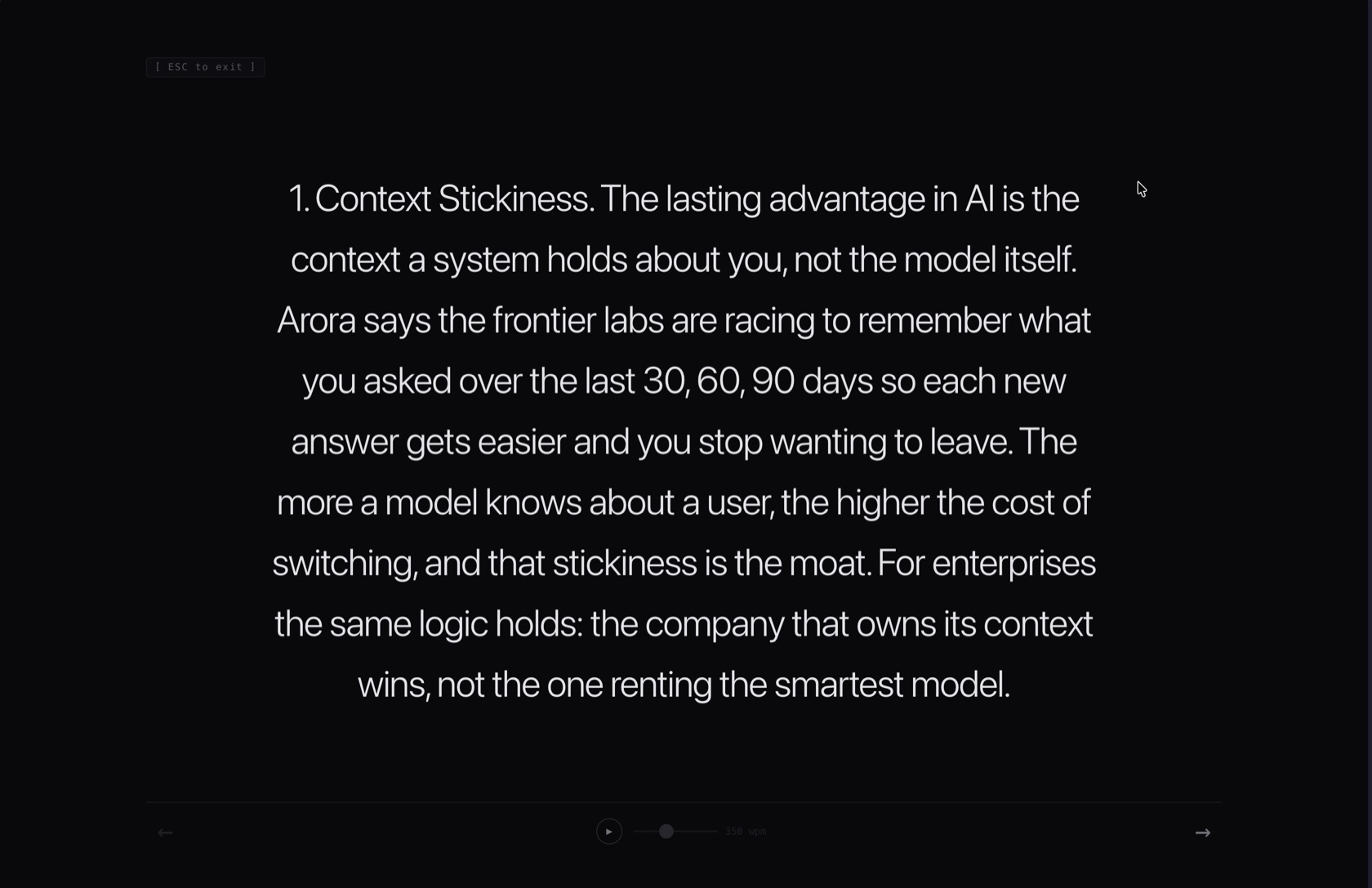
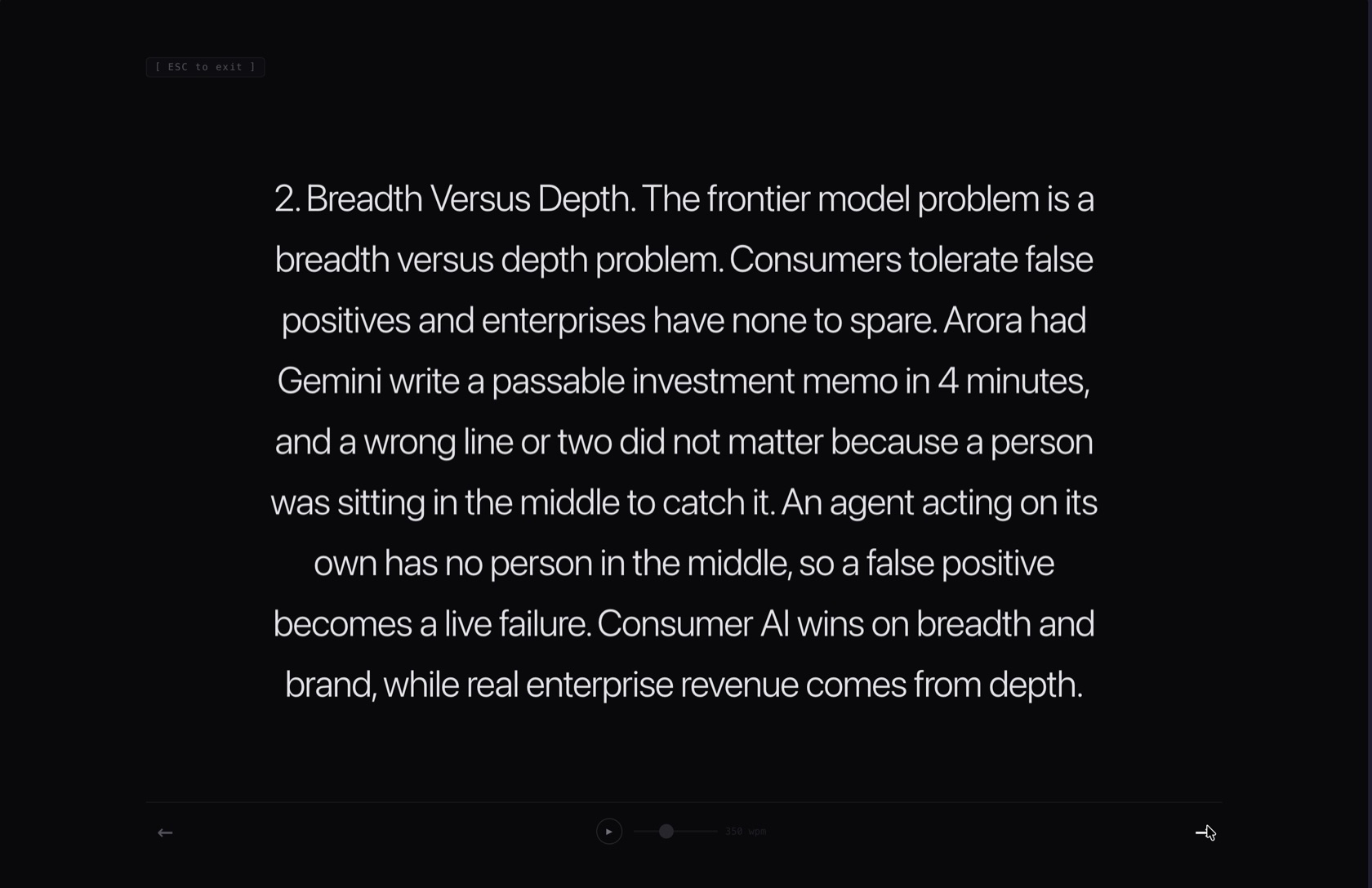
Every thought lands dead-center. Your eyes never hunt for the next line — the words move, you don’t.

Set your pace and it plays. A teleprompter at 350 wpm — like this page is doing right now, if you pressed P

under the hood
01Sandboxed roomOpens its own chrome-extension:// tab. Host-page styles, iframes and trackers can’t follow you in.
02Composite slidesTweets, quotes and images stay whole — shown as single full-screen slides, never shredded.
03Keyboard-firstP plays. Arrows step. Esc leaves. That’s the whole manual.
04MV3, no serversEverything happens locally — scraped, cached in chrome.storage, rendered. Nothing leaves the machine.
enable it in your browser
01Get the codeClone or download github.com/arnavbee/focus-reader-extension.
02Load itOpen chrome://extensions (or brave://extensions), switch on Developer mode, hit “Load unpacked” and pick the folder.
03ReadOpen any article, click the Focus Reader icon — it opens in its own tab. Press P and watch the words light up.
terminal
# get it
$ git clone https://github.com/arnavbee/focus-reader-extension.git

# load it — chrome://extensions → developer mode → load unpacked
# then open any article and press P

Step inside.

built by arnav